Main Gallery01
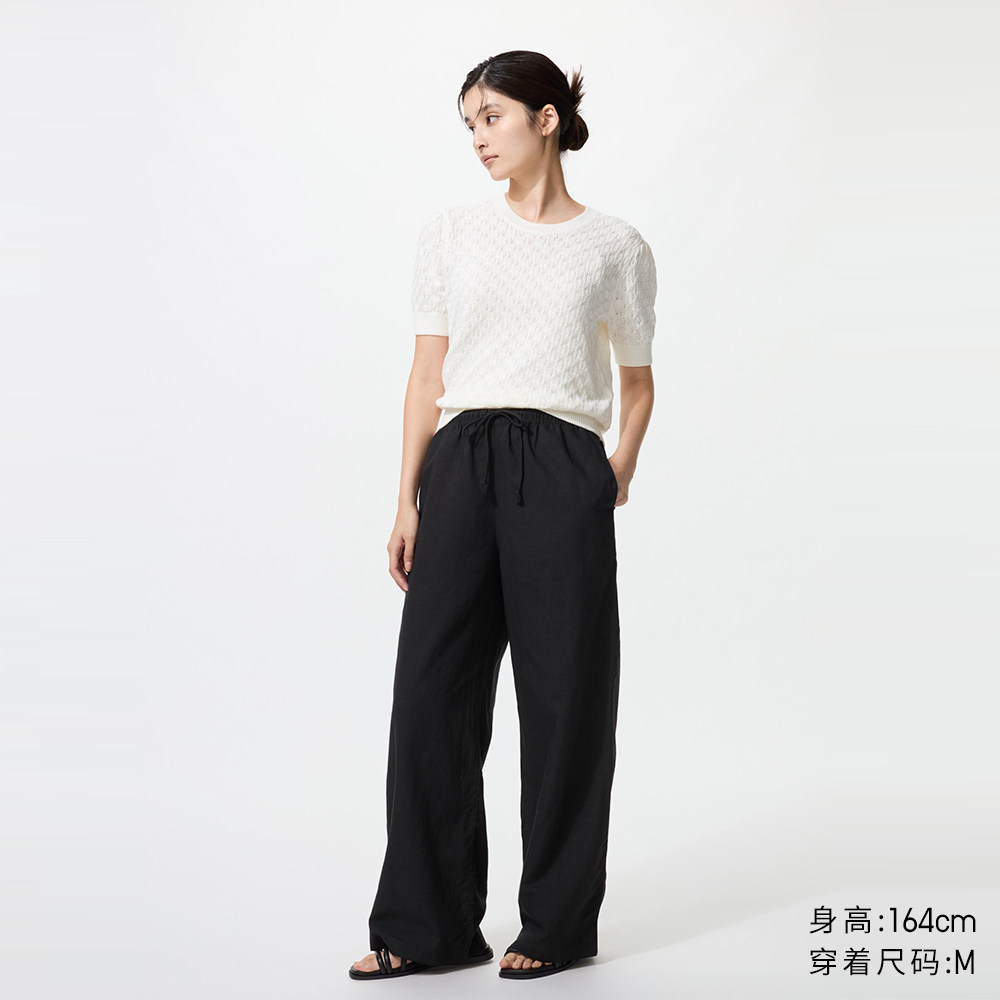
Product Main Gallery
First-screen carousel photos, multi-angle views, and white-background images
Typical Use: Marketplace listing covers, marketing promotional banners
DownPictures Windows client for batch organizing authorized product main images, SKU photos, detail long images, and videos. Free trial available via Microsoft Store. License required for export.
Unlimited free trial; license required to download or copy media & links·Lightweight Package · Microsoft Store & Standalone EXE
For media beyond e-commerce or centralized task management, explore TuGet Desktop →
Built around the actual client interface: paste product URLs to parse categorized assets with built-in tools for post-processing
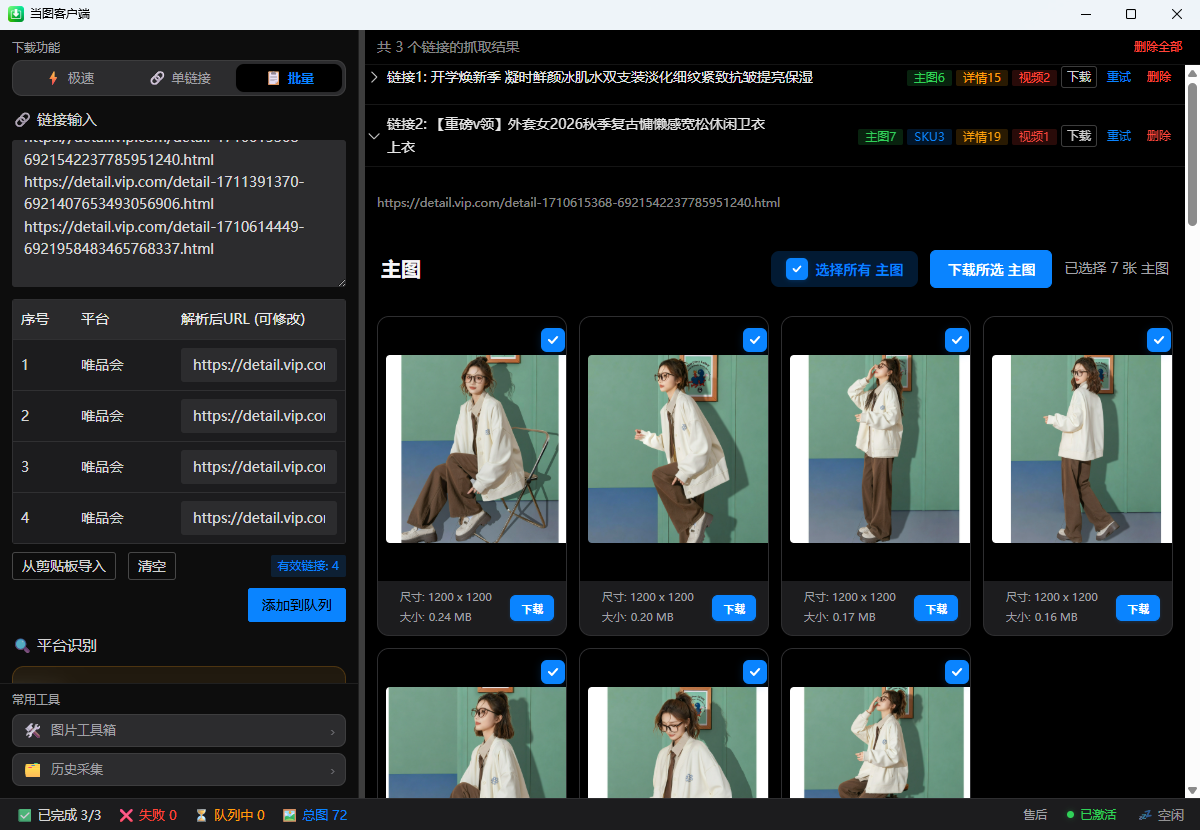
Capable of identifying four core asset categories across e-commerce product listings without hunting through page tabs
First-screen carousel photos, multi-angle views, and white-background images

Color variations, sizing swatches, and model specification thumbnails and high-res shots
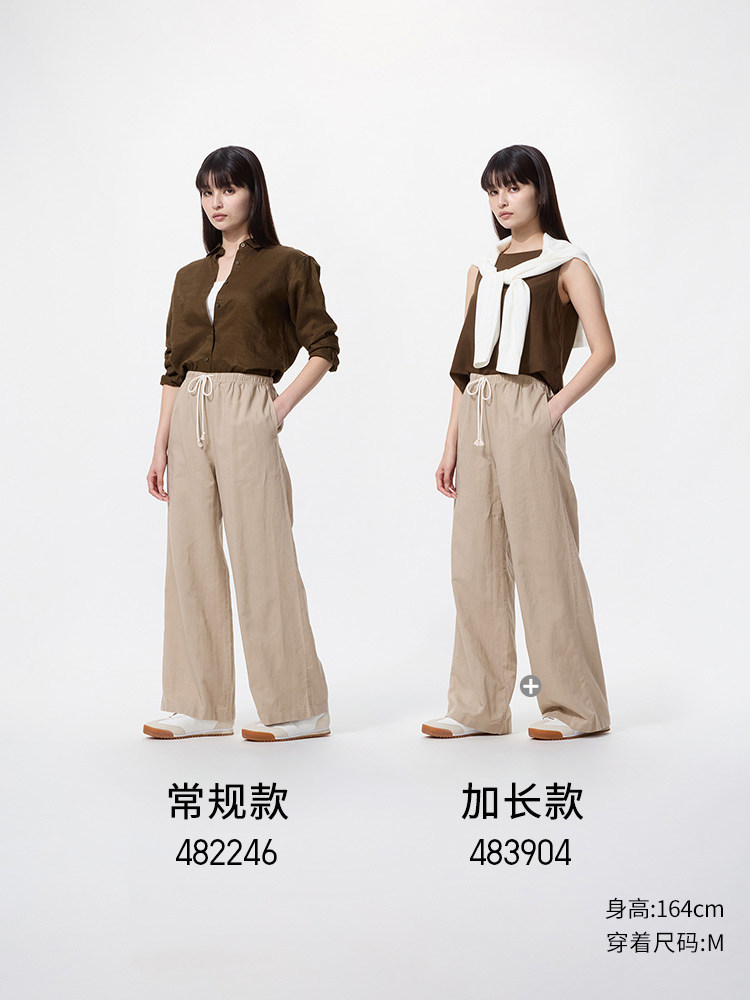
Long infographic banners, material close-ups, and feature specification charts
Product demonstration clips and feature breakdown videos embedded on listing pages
Five capabilities for organizing authorized e-commerce assets more efficiently
Process multiple product links within a user-selected concurrency setting; follow platform rules and account limits.
Paste bulk URLs at once. Auto-queue scheduling with support for resume and smart retries.
Pauses when login, CAPTCHA, rate-limit, or security prompts appear so the user can follow the platform's official process.
Automatically generates target directories based on title. Main, SKU, detail assets and videos are sorted automatically.
Built on native Tauri, saving over 140MB memory. Silent background execution without micro-stutters.
From single urgent product lookups to batch store cataloging
Paste a single product link to start extraction immediately. Ideal for urgent listings and quick checks.
Inspect full-resolution previews and video clips step-by-step, perfect for comparing specific variants.
Paste a list of product links to queue automated extraction, ideal for new seasonal catalog rollouts.
Manual Preview Download: Inspect all preview cards and select exactly which assets to export.
Automated Folder Save: Enable auto-download in settings to write files directly to your preset directory upon parsing completion.
Keeps a local record of processed items for easy reference and re-inspection
Quickly search past collection tasks inside the client by platform, product title, or URL.
Enable or disable history recording in settings at any time. All index data remains strictly on your local PC.
Delete single records or clear the entire index. Note: Clearing history only removes search index entries; downloaded files on your drive remain completely intact.
Perform format conversion, dimension resizing, file optimization, and batch renaming locally without third-party software
Batch convert specialized WebP and AVIF files into universally accepted JPG or PNG formats for store uploads.
Scale proportionally or set exact pixel dimensions to comply with marketplace image standards.
Compress images smartly to meet upload size limits (e.g. under 3MB) while preserving visual sharpness.
Rename files systematically with custom prefixes, sequential numbering, or SKU names for organized cataloging.
Presets for standard 1:1 square covers, 3:4 fashion layouts, and other standard e-commerce compositions.
Note: All image toolbox operations run locally on your device without uploading files to any external server. Animated GIF processing reflects current release capabilities.
Supporting team productivity across daily merchandise asset workflows
Gather supplier-authorized product photos and detail graphics efficiently to build accurate store listings.
Acquire high-resolution product photography to extract product highlights and compose banners.
Archive supplier listing details systematically for internal product evaluation and quality comparisons.
Extract authorized product demo videos and selling point graphics for short-form video advertising.
Save organized catalog assets to local disks or team NAS storage with consistent naming for team access.
For your own storefronts or authorized product assets: paste links, review detected results, and save approved content into categorized local folders. Free trial available.
Hosted by Microsoft for one-click install and automatic updates.
SHA-256 5f165fd4a79e7c611ed5f20553692b7d67f953e879f871f6c9999588a57bb05aEverything you need to know about DownPictures client, trial, and licensing
DownPictures Desktop focuses specifically on e-commerce listing assets (main photos, SKU swatches, detail banners, and videos) with a lightweight footprint and image toolbox. TuGet Desktop covers broader all-web video, audio, and large queues. Licenses are independent.
DownPictures Desktop is free to download and explore with no time limit. Unactivated users can parse URLs and preview high-resolution images freely. Exporting files and copying image links requires activating with a valid license key.
Supports major platforms including Taobao, Tmall, JD, PDD, 1688, Amazon, and more. Detailed platform tutorials and examples are available on the tutorials page.
The client includes interactive foreground windows. When a platform prompts for a slider verification or login check, an authentic browser window pops up so you can complete it manually. The client does not bypass platform security measures.
After download, you can batch convert WebP/AVIF images to JPG/PNG, scale pixel dimensions, compress file sizes to meet marketplace limits, and apply sequential naming schemes.
Files are stored in your chosen local directory. By default, the client automatically creates a dedicated folder per product, organizing assets into main, SKU, detail, and video categories.
Collection history is stored strictly on your local PC and is never uploaded. You can toggle history off or clear it anytime in settings; clearing only wipes the search index and never deletes your downloaded files.
Results reflect the actual publicly accessible content on the listing. If a seller did not upload a video, a variant is out of stock without an image, or permissions restrict access, only accessible files are gathered.
Supports 64-bit Windows 10 and Windows 11. The client software user interface is currently in Simplified Chinese.
We recommend installing via the Microsoft Store for automated update delivery. Standalone EXE users can revisit the website anytime to download the latest setup file.
Install DownPictures Desktop from Microsoft Store with an unlimited free trial and streamline your catalog workflow